画像をGoogleドライブに保存
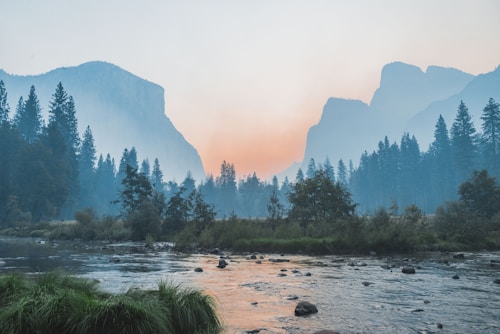
<html lang="ja"> <head> <meta charset="UTF-8"> <meta name="viewport"content="width=device-width, initial-scale=1.0"> <title>パスワード保護された保存ページ</title> <scriptsrc="https://apis.google.com/js/platform.js" async defer></script> <style> /* 最初はコンテンツを非表示にする */#protected-content { display: none; } body { font-family: sans-serif; text-align: center; padding: 50px; background-color: #f4f4f9; } .container { background: white; padding: 30px; border-radius: 12px; box-shadow: 0 4px 15px rgba(0,0,0,0.1); display: inline-block; } img { max-width: 100%; height: auto; border-radius: 8px; margin-bottom: 20px; border: 1px solid #eee; } .g-savetodrive { display: inline-block; margin-top: 10px; } </style> <script> function checkPassword() { // ここでパスワードを設定します var password = "1234"; var input = prompt("パスワードを入力してください", ""); if(input === password) { // 正解ならコンテンツを表示 document.getElementById("protected-content").style.display = "block"; } else { // 不正解なら警告してページを閉じるかリロード alert("パスワードが違います。"); location.reload(); } } </script> </head> <body onload="checkPassword()"> <div id="protected-content"> <divclass="container"> <div style="font-weight: bold; margin-bottom: 15px;">画像をGoogleドライブに保存</div> <imgsrc="https://images.unsplash.com/photo-1506744038136-46273834b3fb?w=500" alt="対象画像"> <br> <div class="g-savetodrive" data-src="https://images.unsplash.com/photo-1506744038136-46273834b3fb?w=500" data-filename="Protected_Image.jpg" data-sitename="My Secure Collection"> </div> </div> </div> </body> </html>